How to build your own AI developer tools with Claude Code | CJ Hess (Tenex)
- Source
- podcasters.spotify.com
- Published
- Feb 9, 2026
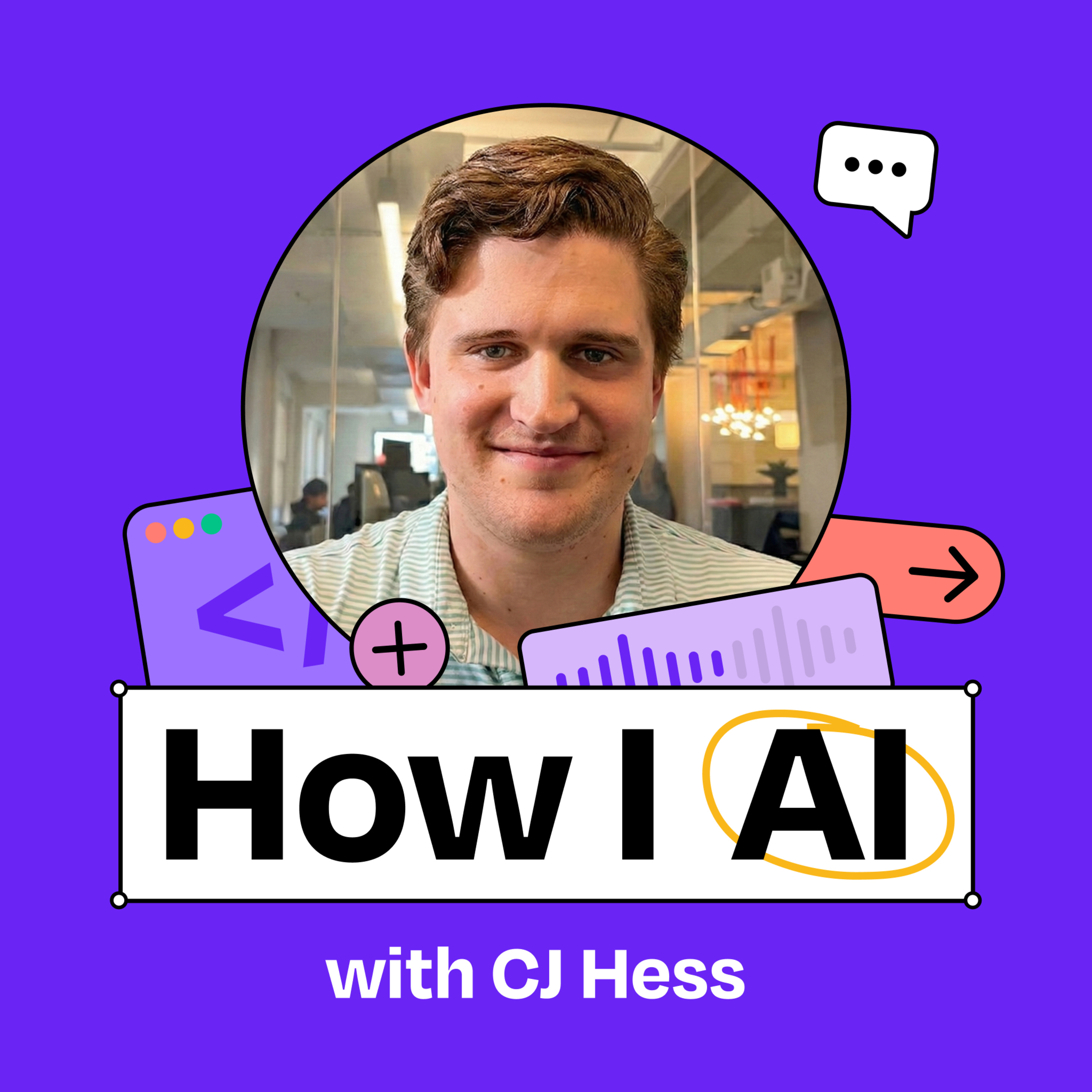
CJ Hess is a software engineer at Tenex who has built some of the most useful tools and workflows for being a “real AI engineer.” In this episode, CJ demonstrates his custom-built tool, Flowy, that transforms Claude’s ASCII diagrams into interactive visual mockups and flowcharts. He also shares his process for using model-to-model comparison to ensure that his AI-generated code is high-quality, and why he believes we’re just at the beginning of a revolution in how developers interact with AI. What you’ll learn: - How CJ built Flowy, a custom visual planning tool that converts JSON files into interactive mockups and flowcharts - Why visual planning tools are more effective than ASCII diagrams for complex UI and animation workflows - How to create and use Claude Code skills to extend your development environment - Using model-to-model comparison (Claude + Codex) to improve code quality - How to build your own ecosystem of tools around Claude Code - The value of bypassing permissions in controlled environments to speed up development — Brought to you by: Orkes—The enterprise platform for reliable applications and agentic workflows Rovo—AI that knows your business — Detailed workflow walkthroughs from this episode: • How I AI: CJ Hess on Building Custom Dev Tools and Model-vs-Model Code Reviews: https://www.chatprd.ai/how-i-ai/cj-hess-tenex-custom-dev-tools-and-model-vs-model-code-reviews • Implement Model-vs-Model AI Code Reviews for Quality Control: https://www.chatprd.ai/how-i-ai/workflows/implement-model-vs-model-ai-code-reviews-for-quality-control • Develop Features with AI Using Custom Visual Planning Tools: https://www.chatprd.ai/how-i-ai/workflows/develop-features-with-ai-using-custom-visual-planning-tools — In this episode, we cover: (00:00) Introduction to CJ Hess (02:48) Why CJ prefers Claude Code for development (04:46) The evolution of developer environments with AI (06:50) Planning workflows and the limitations of ASCII diagrams (08:23) Introduction to Flowy, CJ’s custom visualization tool (11:54) How Flowy compares to mermaid diagrams (15:25) Demo: Using Flowy (19:30) Examining Flowy’s skill structure (23:27) Reviewing the generated flowcharts and diagrams (28:34) The cognitive benefits of visual planning vs. text-based planning (31:38) Generating UI mockups with Flowy (33:30) Building the feature directly from flowcharts and mockups (35:40) Quick recap (36:51) Using model-to-model review with Codex (Carl) (41:52) The benefits of using AI for code review (45:13) Lightning round and final thoughts — Tools referenced: • Claude Code: https://claude.ai/code • Claude Opus 4.5: https://www.anthropic.com/news/claude-opus-4-5 • Cursor: https://cursor.sh/ • Obsidian: https://obsidian.md/ • GPT-5.2 Codex: https://openai.com/index/introducing-gpt-5-2-codex/ • Google’s Project Genie: https://labs.google/projectgenie — Other references: • Mermaid diagrams: https://mermaid.js.org/ • Figma: https://www.figma.com/ • Excalidraw: https://excalidraw.com/ • TypeScript: https://www.typescriptlang.org/ — Where to find CJ Hess: LinkedIn: https://www.linkedin.com/in/cj-hess-connexwork/ X: https://x.com/seejayhess — Where to find Claire Vo: ChatPRD: https://www.chatprd.ai/ Website: https://clairevo.com/ LinkedIn: https://www.linkedin.com/in/clairevo/ X: https://x.com/clairevo — Production and marketing by https://penname.co/. For inquiries about sponsoring the podcast, email [redacted email].
Info
- Published
- Feb 9, 2026
- Uploaded
- Jun 12, 2026
- Uploaded by
 Nicholas
- Queried
- 0 times